
You can keep most of your cameras and still retire the recorder. Here’s the checklist we use on every migration.
Most businesses assume moving to cloud video means ripping out every camera. In reality, many existing IP cameras from brands like Axis, Hanwha, Hikvision, Amcrest, Vivotek, Speco and Milesight, plus most standard H.264 cameras, can connect straight to the cloud. Here is how a well-run migration works.
1. Inventory what you have
List every camera with its make, model, firmware, location and what it is supposed to capture. Note any analog cameras, which will need an encoder or replacement.
2. Check your upload bandwidth
Cloud recording uses upload bandwidth. Measure what you have, and plan stream settings (resolution, frame rate, bitrate) and event-based versus continuous recording to fit. Most sites need less than they expect.
3. Decide retention per camera
Set how many days each camera should keep. It does not have to be the same everywhere. See our retention guide.
4. Prepare the network
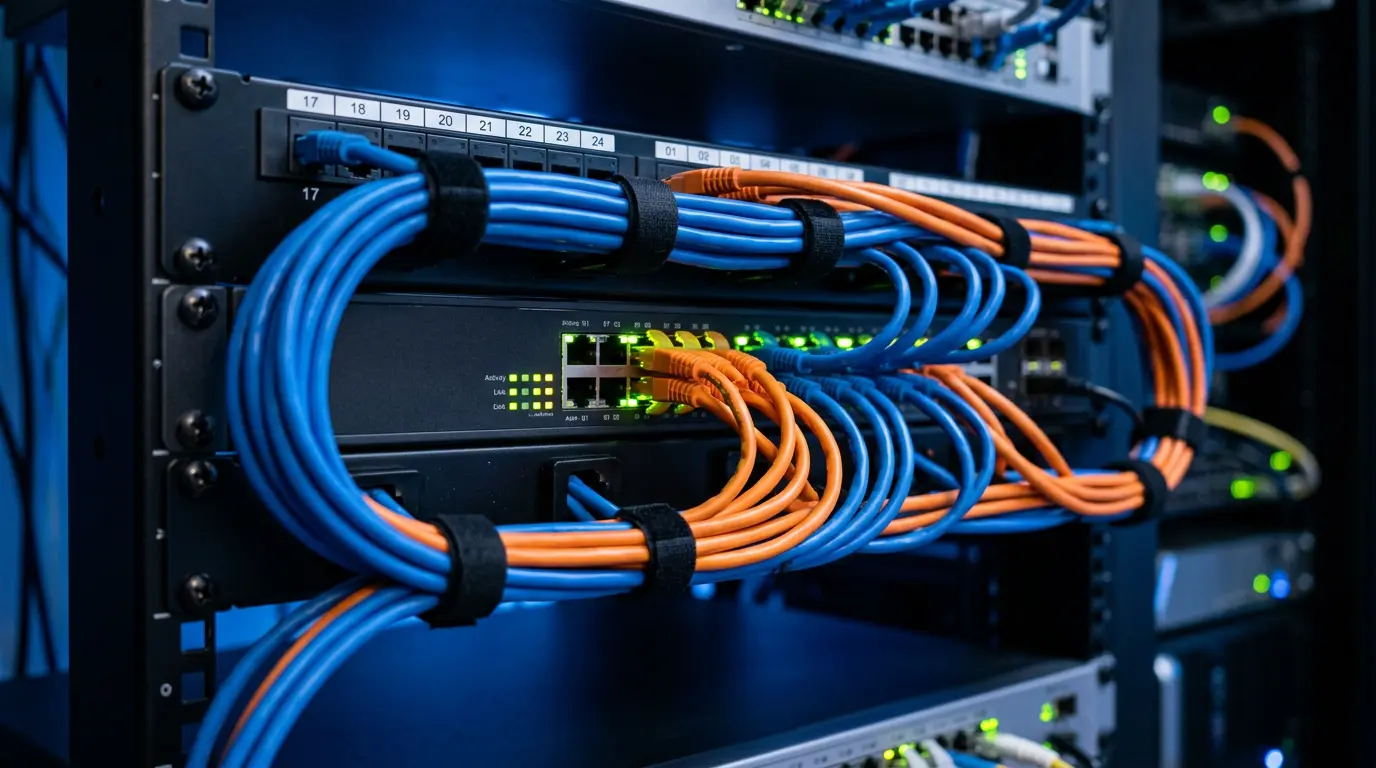
Put cameras on their own VLAN, remove old port forwards, and update firmware before connecting to the cloud.
5. Pilot a few cameras
Connect two or three cameras first. Verify image quality, motion and AI alerts, mobile access and bandwidth use before rolling out everywhere.
6. Cut over and run in parallel
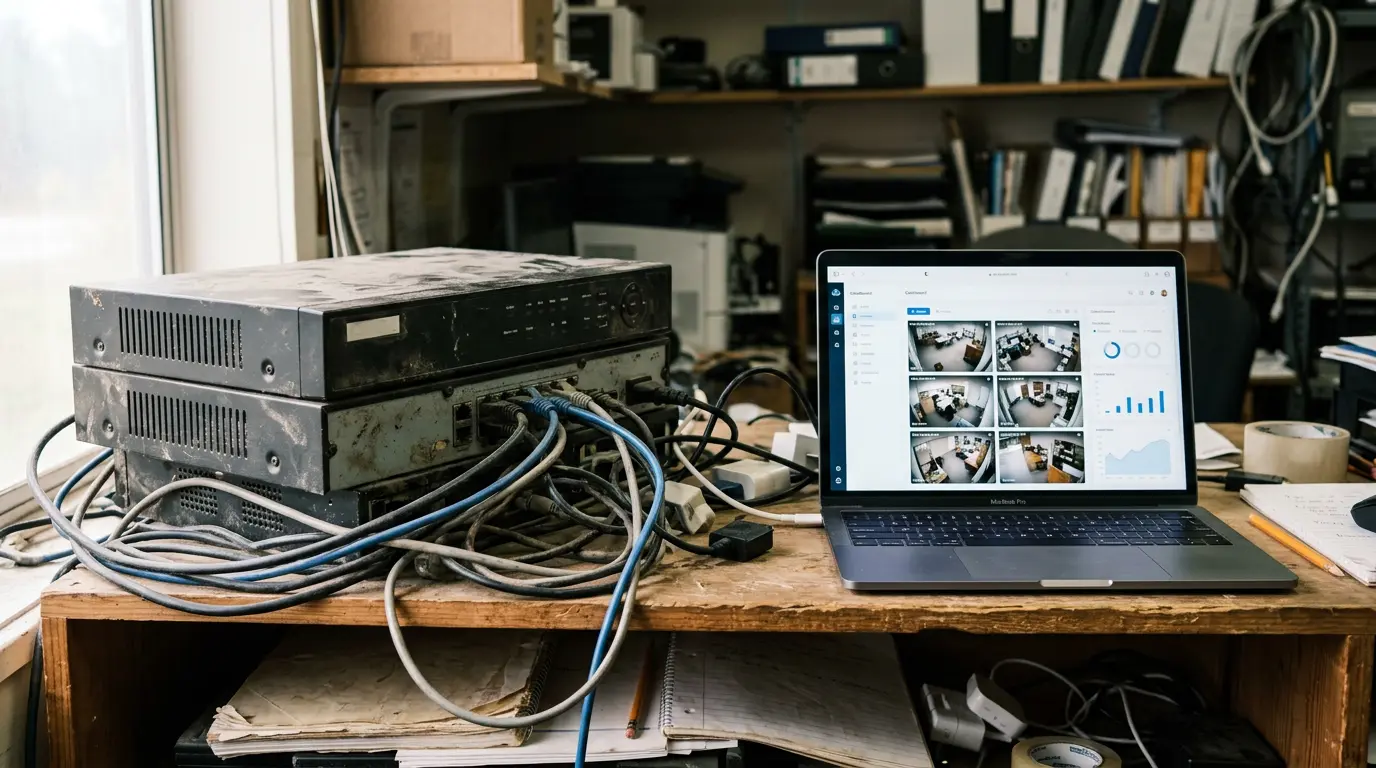
Connect the remaining cameras while keeping the old NVR recording for a short overlap period, so you never have a gap in coverage.
7. Train users and retire the old recorder
Set up user roles, alerts and saved views, show your team how to search and export, then securely wipe and decommission the old NVR.
For a typical single-site business with compatible cameras, cutover is often completed in a day. Multi-site rollouts are scheduled location by location.
Ready to retire the recorder? Request a free migration assessment and we will tell you exactly which of your cameras can move to the cloud as-is.

Certified IT and video-surveillance specialists supporting Southern California organizations for over two decades.