

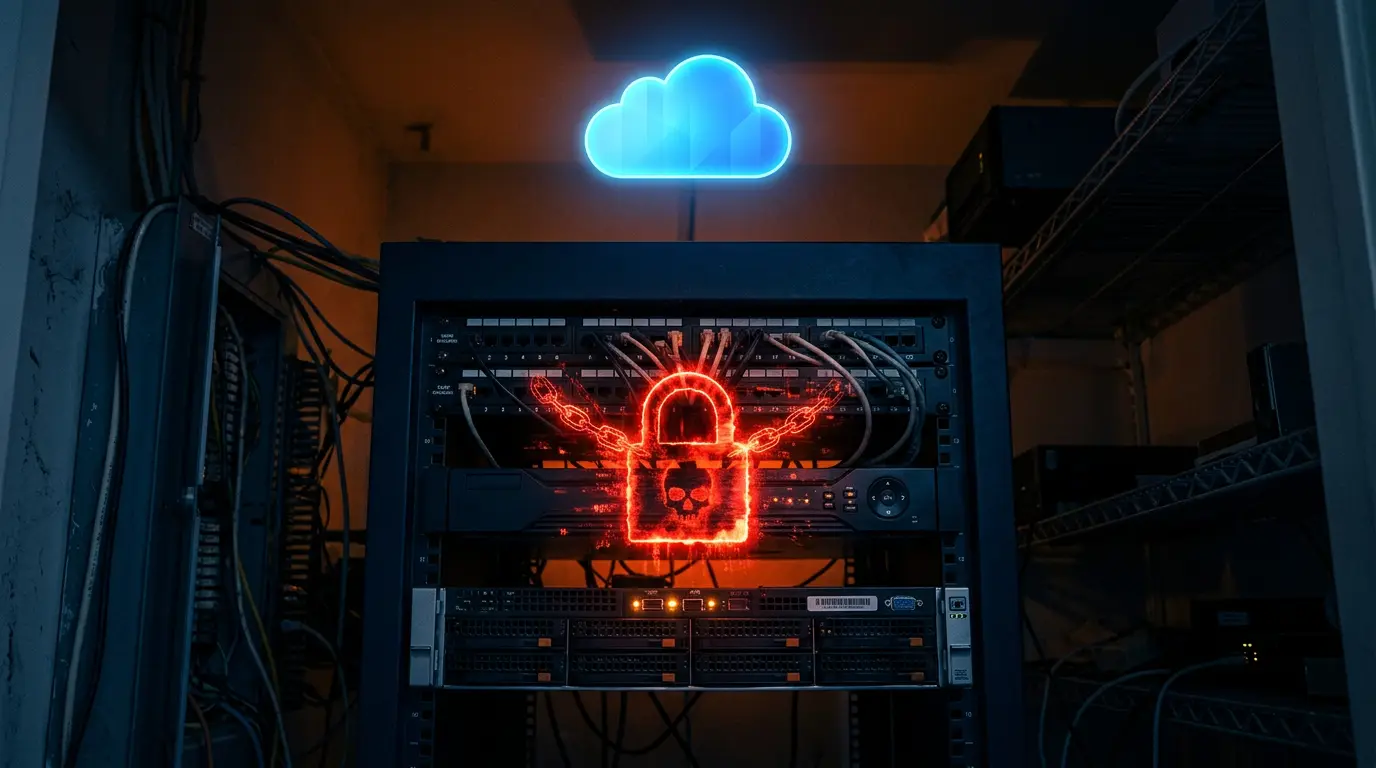
When ransomware hits, attackers go after anything that stores data, including the box in your closet that holds every camera recording you own.
Most businesses think about ransomware in terms of file servers and accounting systems. But a network video recorder (NVR) is a computer with a hard drive, an operating system and a network connection. To an attacker, it is just another target, and often the least protected one on the network.
How ransomware reaches video systems
Ransomware typically enters through a phishing email, a stolen password or an unpatched remote-access service. Once inside, attackers move laterally, looking for anything they can encrypt or destroy to increase pressure. An NVR on the same flat network as office PCs is easy to find and rarely monitored.
- Recordings may be encrypted and held for ransom.
- Footage may be deleted to cover the attacker’s tracks.
- The recorder itself may be bricked, stopping all recording until it is replaced.
Don’t forget physical threats
Even without malware, on-site recorders are vulnerable. Burglars know to rip the DVR off the shelf on the way out. Fires, floods and power surges destroy local drives. And hard drives simply fail with age, often silently, until the day you need a recording.
The recording you need most is the one captured during an incident, which is exactly when an on-site recorder is most likely to be compromised.
Why off-site cloud video changes the equation
With a cloud NVR, video streams from each camera to secure, redundant cloud storage as it is recorded. That means:
- There is no local recorder to encrypt, steal or smash.
- Footage is stored off-site in professional data centers designed for high durability.
- Access is controlled through user accounts and permissions, not a shared admin password on a box.
- Cameras connect outbound only, reducing exposed attack surface.
- Optional edge storage (SD card or NAS) keeps capturing if the internet drops, then remains accessible through the cloud apps.
A quick ransomware-readiness checklist for video
- Is your video stored anywhere other than the building it records?
- Are cameras and recorders isolated from your business network?
- Do you know who has access to footage, and can you revoke it instantly?
- Are firmware and software current?
- Would you get an alert if a camera or recorder went offline tonight?
If any answer is “no” or “I’m not sure,” it is worth a conversation. VoxConnectUC can assess your current setup and design a migration path that keeps your existing cameras and moves the recording off-site.

Certified IT and video-surveillance specialists supporting Southern California organizations for over two decades.